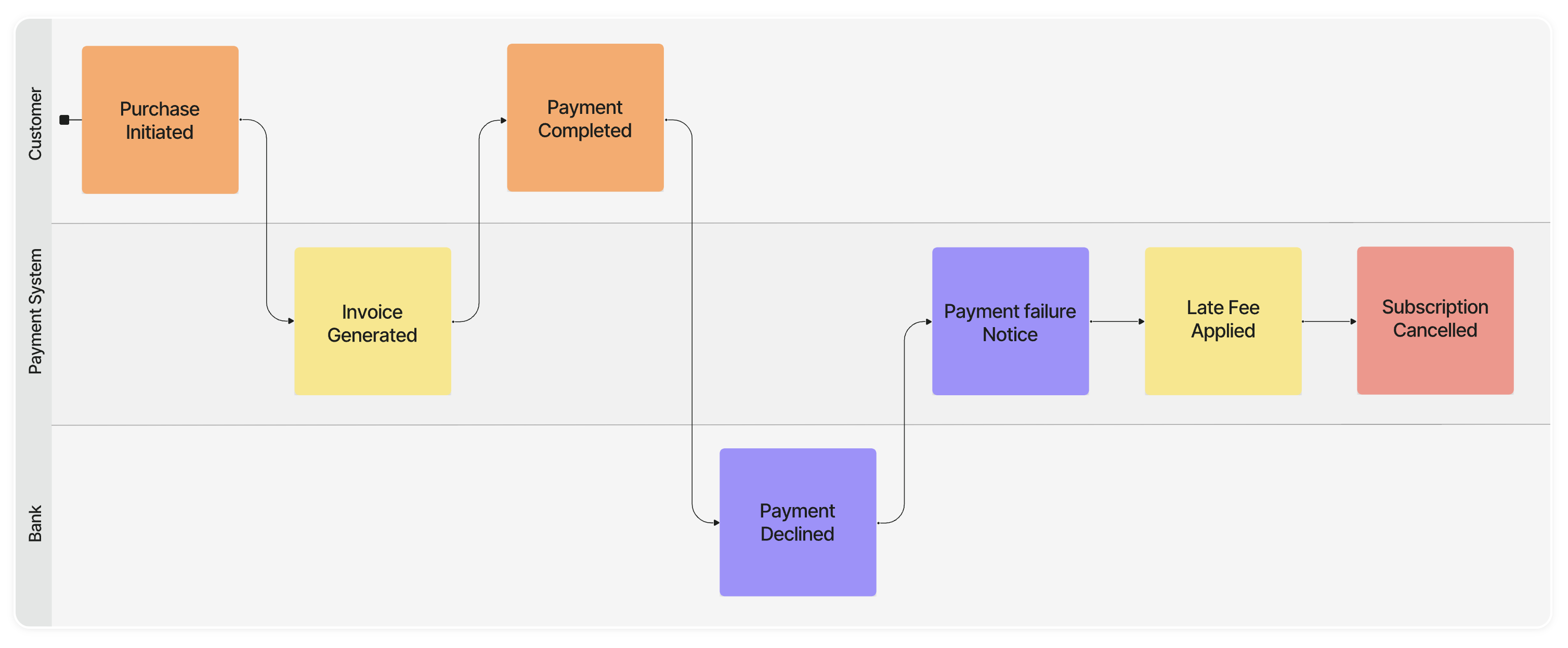
Model Context Protocol, or MCP, lets AI coding assistants such as Claude Code, Cursor, and other MCP-compatible clients call external APIs in a structured way. With Qlerify’s MCP server and plugin skills, your assistant can read, create, and update workflows and domain models directly in Qlerify.
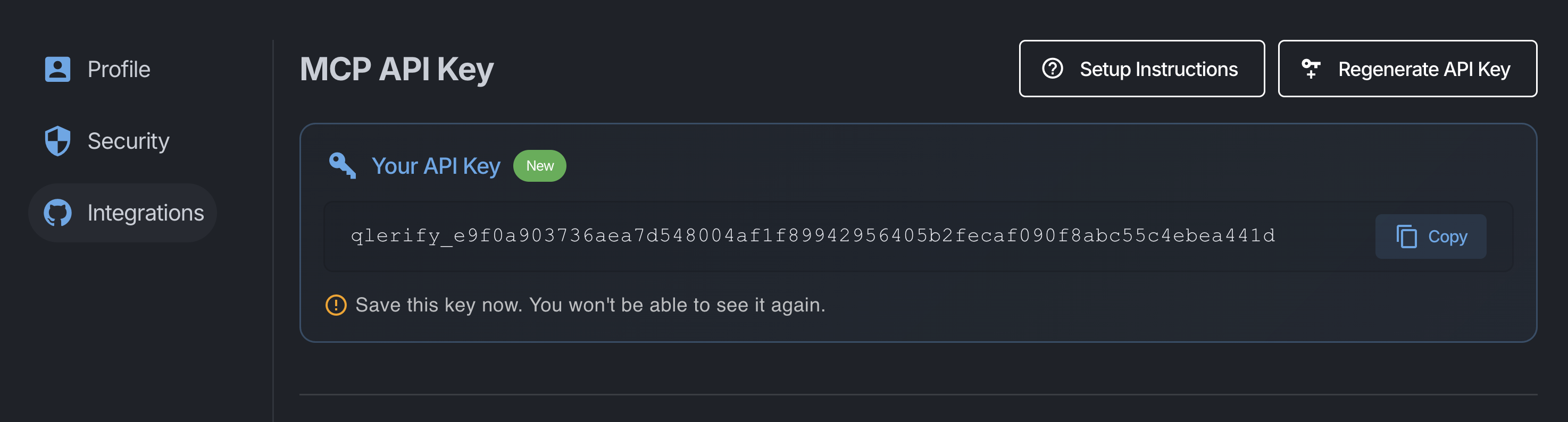
Create your API token in the Qlerify UI under My Profile > Integrations.
Next, add the Qlerify MCP server in your client’s MCP settings. This example shows how to add it with Claude:
claude mcp add --scope user --transport http qlerify https://mcp.qlerify.com \
  --header "x-api-key: YOUR_API_KEY"
Your AI assistant can now connect to Qlerify to read and create workflows and domain models.
The official bundle lives at github.com/Qlerify/qlerify-plugins. It includes skills that teach the assistant how to use the MCP tools effectively: what order to run steps in, how to name things, and how to go from an idea to a modeled workflow.
To install with Claude, start Claude from the command line, then run the following three commands:
/plugin marketplace add qlerify/qlerify-plugins
/plugin install mcp-companion@qlerify-plugins
/reload-plugins
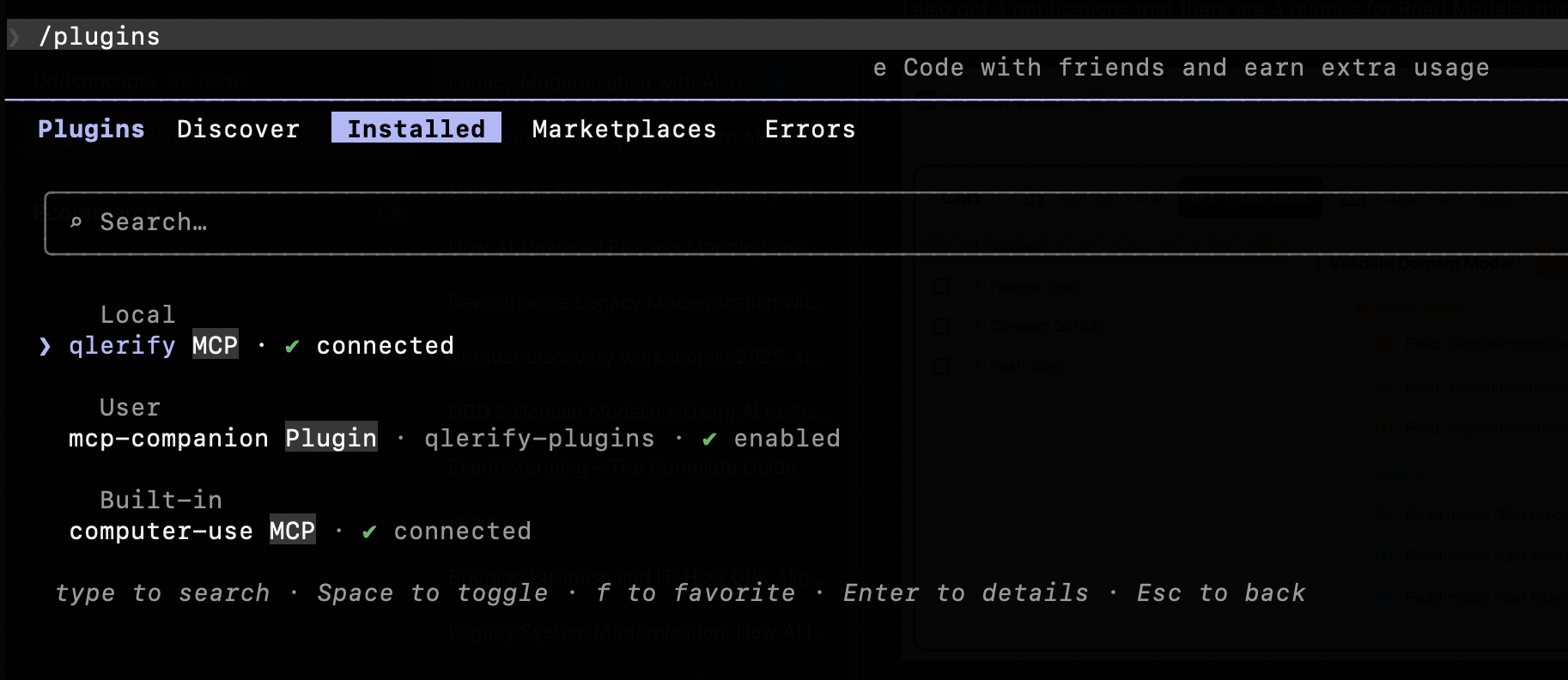
If the installation of the plugin was successful, you should be able to see qlerify MCP and mcp-companion under “Installed” when running the slash command /plugin.
And you should be able to run the slash command /workflow-creation.
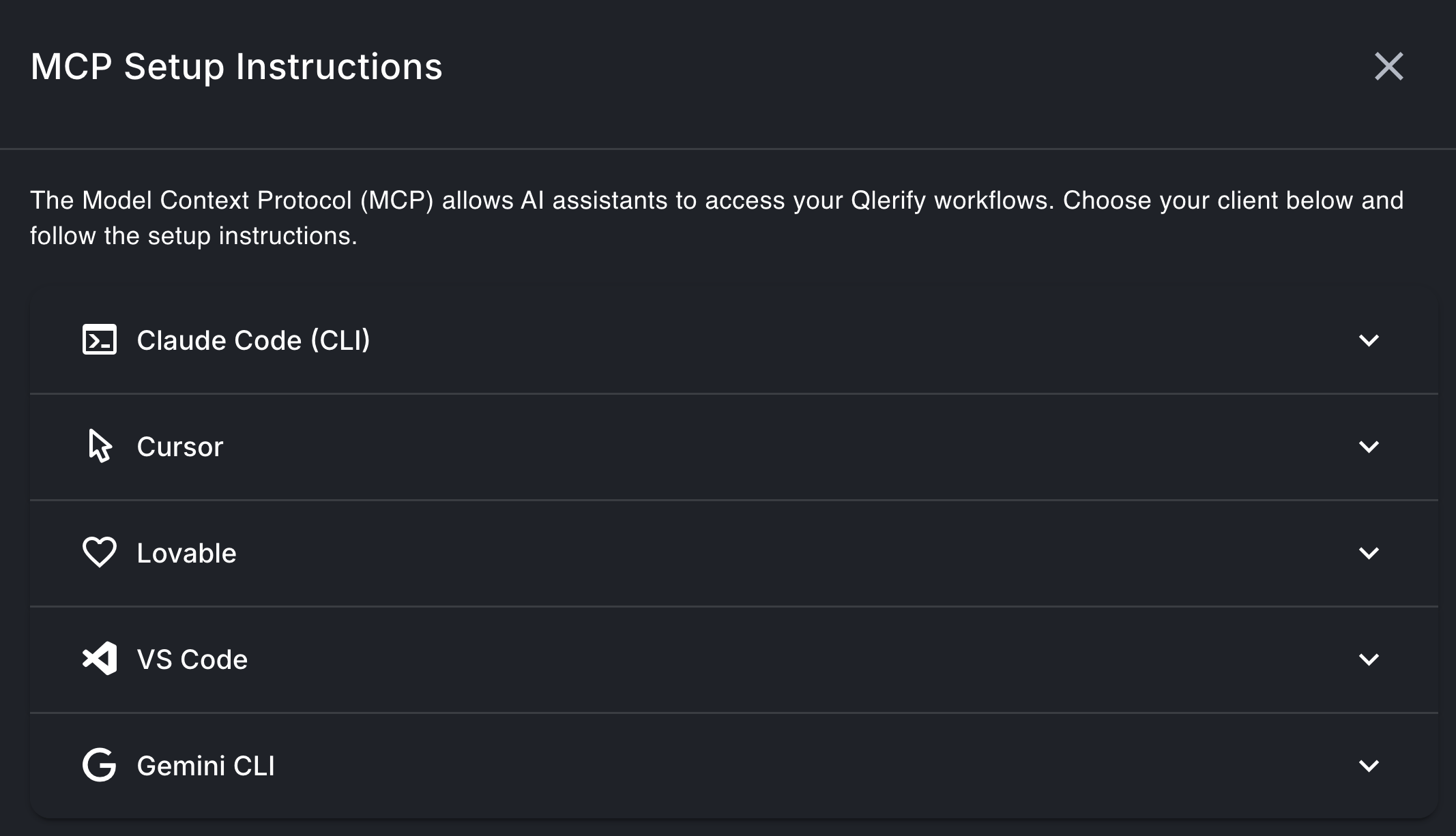
Find setup instructions for other clients, such as Cursor, Lovable, VS Code, and Gemini CLI, under User Profile → Integrations in Qlerify.
The most commonly used skill is workflow-creation. Use it when you’re building or extending a workflow inside Qlerify, including swimlanes, groups, domain events, entities, commands, read models, cards, and bounded contexts.
It follows a step-by-step sequence so the diagram stays consistent.
Example prompts:
Create a workflow for an e-commerce checkout
Add domain events and commands for handling support issues
Set up bounded contexts for this process
It also works when you’re starting from existing code. It walks the assistant through isolating one DDD aggregate at a time and then feeding it into Qlerify.
Example prompts:
Reverse-engineer the Order module.
Extract the Subscription aggregate from this repo.
Document this legacy service as a domain model.