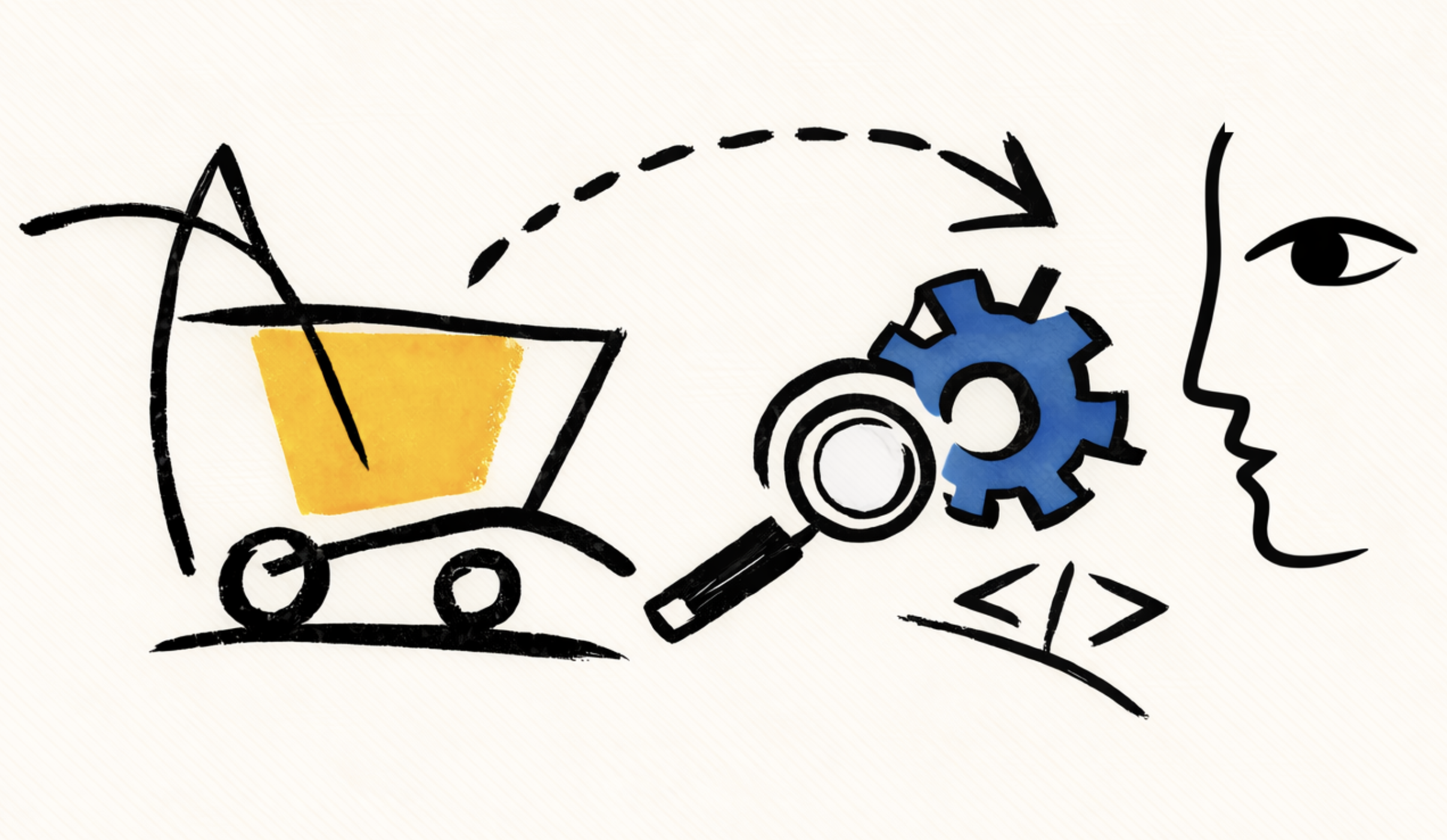
AI coding agents can translate old code into new code surprisingly quickly. But without a shared model of the business behavior, teams risk recreating the same complexity in a new stack.
This walkthrough is for software architects, engineering leaders, product teams, and developers who need to modernize legacy applications without losing business knowledge, test coverage, or architectural control.
We show a safer modernization pattern: reverse-engineer legacy code into a structured domain model, validate it with humans in the loop, and then use it as the basis for a new implementation.
To make the process concrete, we use the cart module from Medusa, an open-source commerce platform. The same steps can be applied to any legacy business application (open-source or closed-source) that you have access to.
We use Claude Code as the coding agent, but any similar agent should work.
We use Qlerify to create, inspect, and validate the domain model. To follow along, log in or sign up for a 14-day free trial and create a project called, for example, ‘E-commerce.’
Prefer to see it in action? This video walks through the same steps covered in this article.
We will go through four steps:
If you skip the domain model and jump directly from old code to generated code, you can move fast, but you may struggle to keep humans in the loop. You risk missing important context and carrying forward accidental complexity, unclear boundaries, and undocumented assumptions.
A structured domain model lets you move just as fast while keeping stakeholders on board.
For this walkthrough, we needed an existing codebase from a realistic domain. E-commerce is a good fit because the business rules are rich enough to be interesting, while still being widely understood.
After a quick search for open-source e-commerce projects, Medusa came up as a candidate. We decided to start with the cart module because it gives us a focused slice of functionality, while leaving room to expand later into related modules such as product catalog, promotions, order management, and payments.
Clone the Medusa repository and start Claude. No installation is required; the goal is not to run the platform. The goal is to analyze the codebase and extract the behavior of a specific part of the system.
If you haven't already installed the Qlerify MCP and plugins follow the steps here: How to Use MCP with Qlerify Plugins
Once Claude is running inside the Medusa folder, run the skill /workflow-creation and select the Cart aggregate.
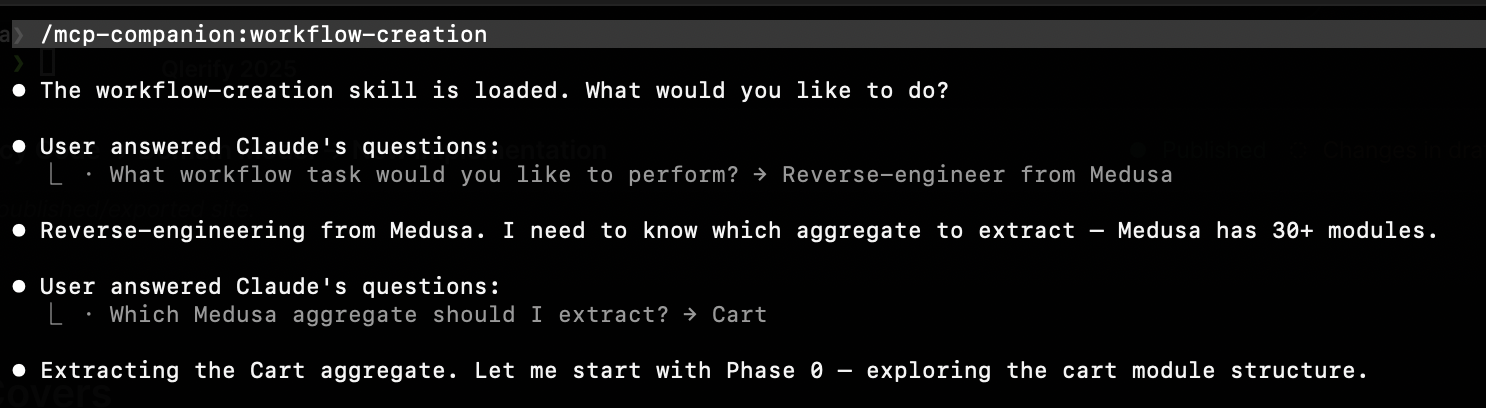
Note: If you are new to DDD terminology, you can think of an aggregate as a cohesive domain component with a clear consistency boundary. “Module” is not a precise substitute, but it is close enough for intuition.
A key feature of the skill is that it zooms in on an aggregate as a coherent piece of functionality and “peels off” the service layer. Legacy systems often mix core domain behavior with cross-aggregate orchestration, infrastructure concerns, and historical decisions that no longer belong together.
For modernization, we want a clean boundary first. Cross-aggregate coordination can be added back later in a more explicit and robust way.
After around ten minutes with Opus 4.7, the workflow was completed. Here is a public read-only link where you can inspect the result and copy it to your own account:
Qlerify > Ecommerce > Cart Workflow.
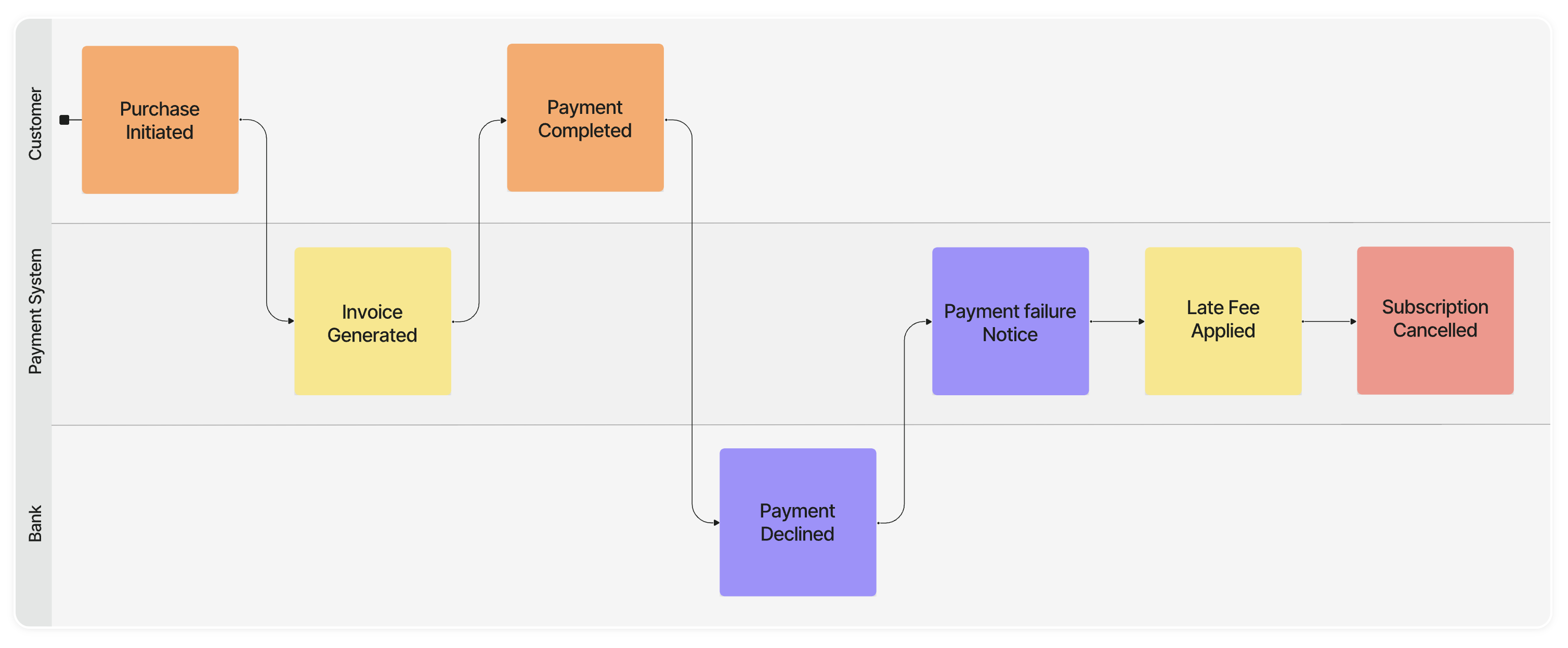
Once the lifecycle of the cart is visualized, it becomes easy to understand, reason about and validate. You can inspect state changes, commands, entities, test cases, attributes, and their relationships in a structure designed for human review.
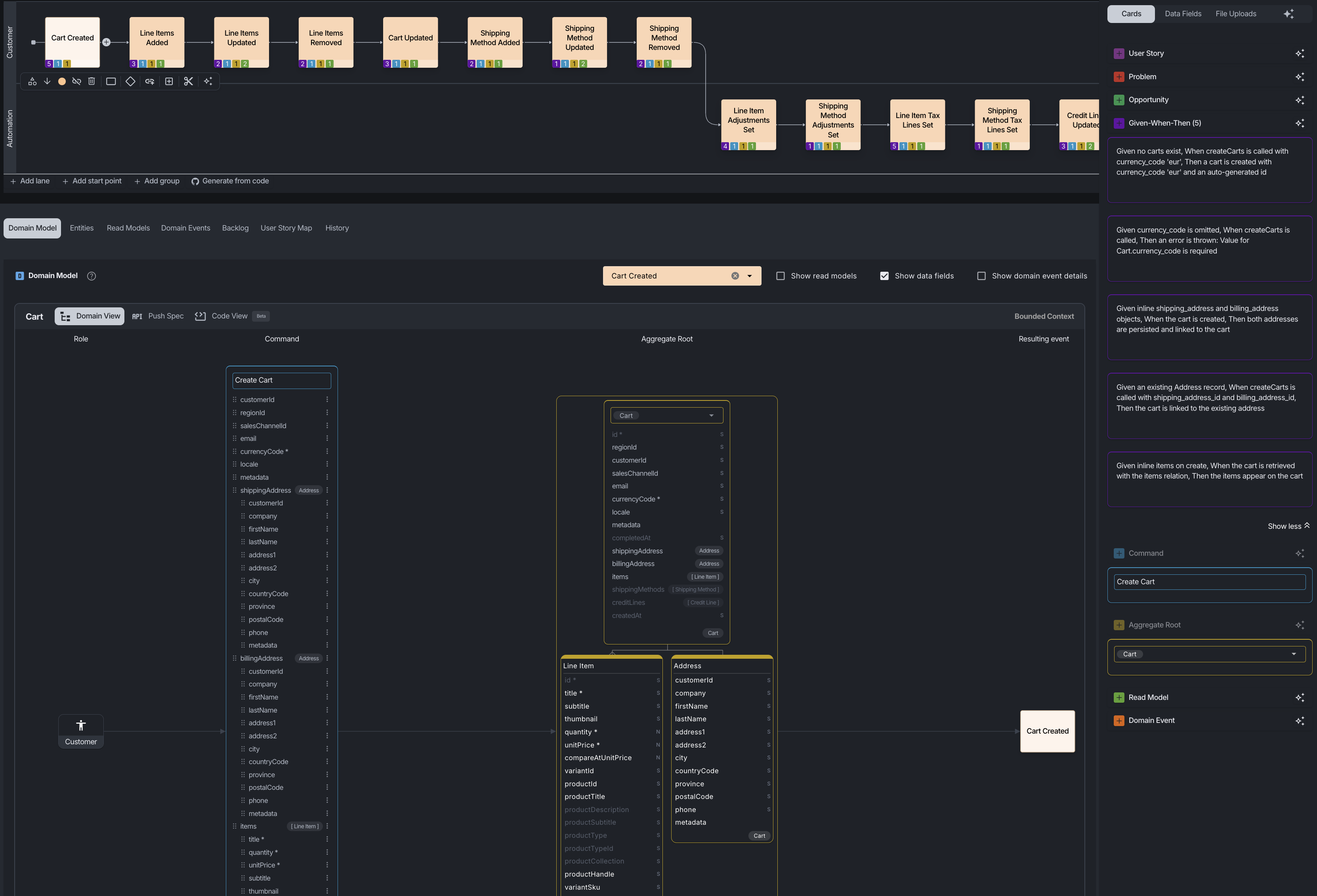
This is where domain experts, product stakeholders, developers, and QA can collaborate around the same representation.
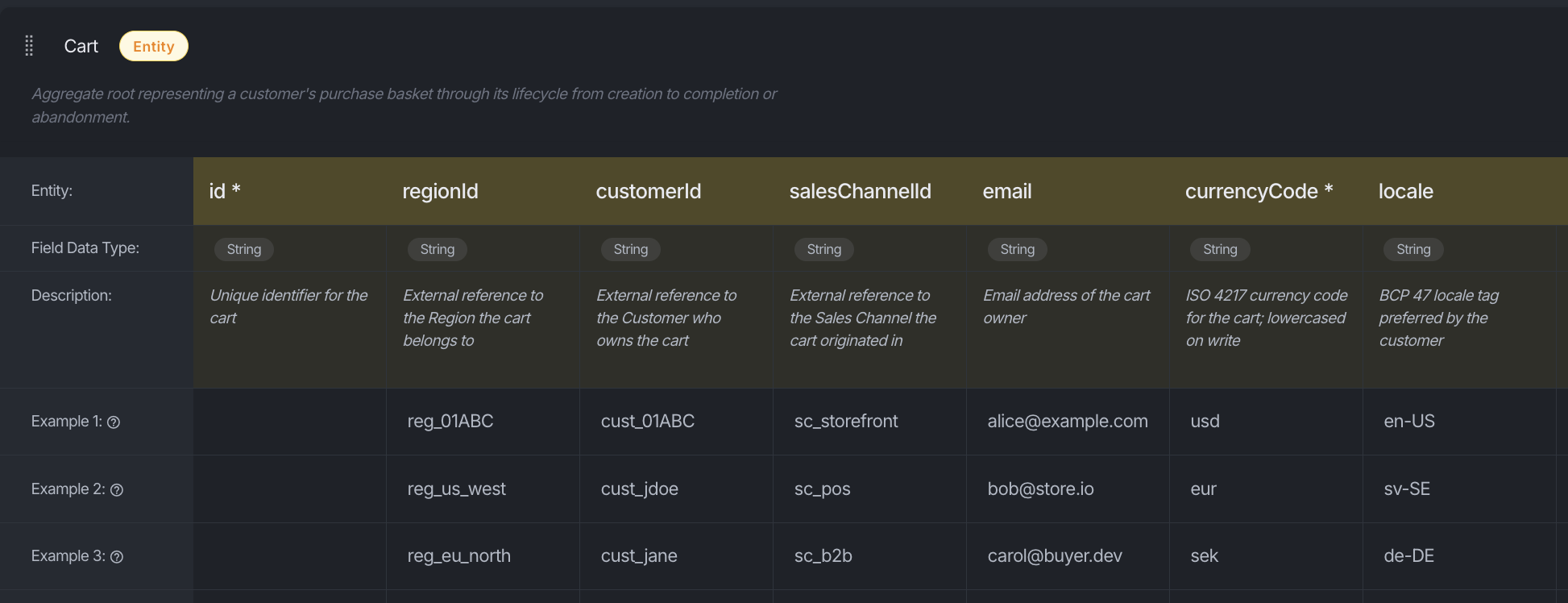
Looking at the Cart entity, you can see descriptions of attributes such as regionId, salesChannelId, and shippingMethodAdjustments. This helps you decide whether to keep them, remove them, or expand the functionality.
Test cases are generated as Given-When-Then statements for each command and can be inspected in the sidebar.
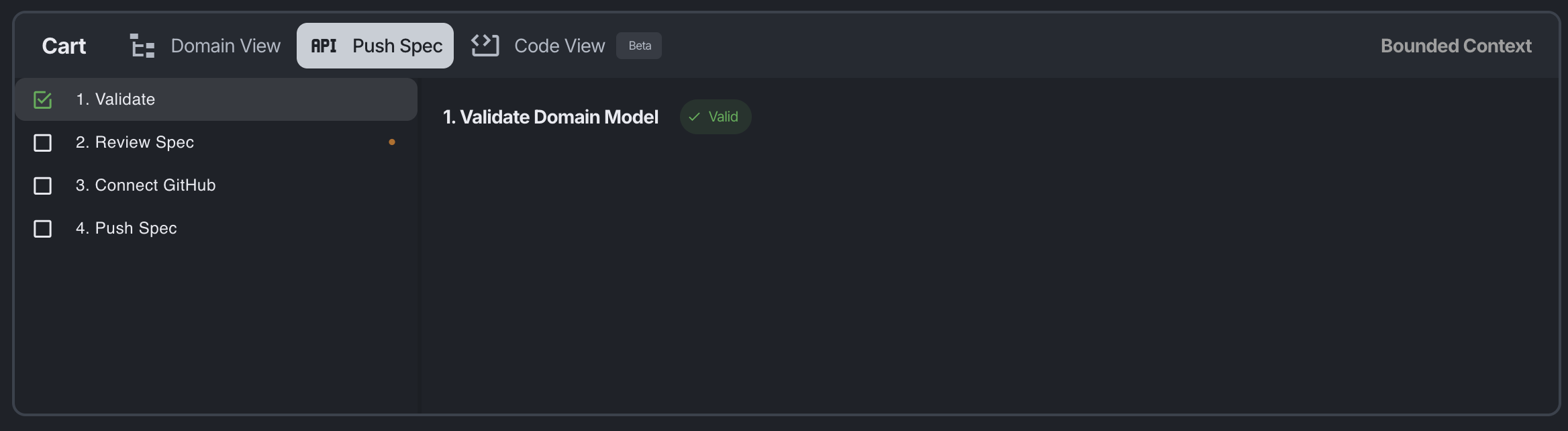
Improve the domain model together with human stakeholders. Use the built-in validation tool. It catches structural problems and makes them visible. Most issues can be automatically fixed with the AI assistant.
Here, the domain model was built without issues:
Let AI do the work. Let humans review and decide the scope and the business rules.
The ultimate test: If the model fully captures the business behavior, then we should be able to reimplement everything (on any tech stack) and get the same functionality working right away.
So, let’s push the domain model to a new empty repository and build it.
Navigate to Push Spec (the button next to Domain View) and click through the 4 steps.
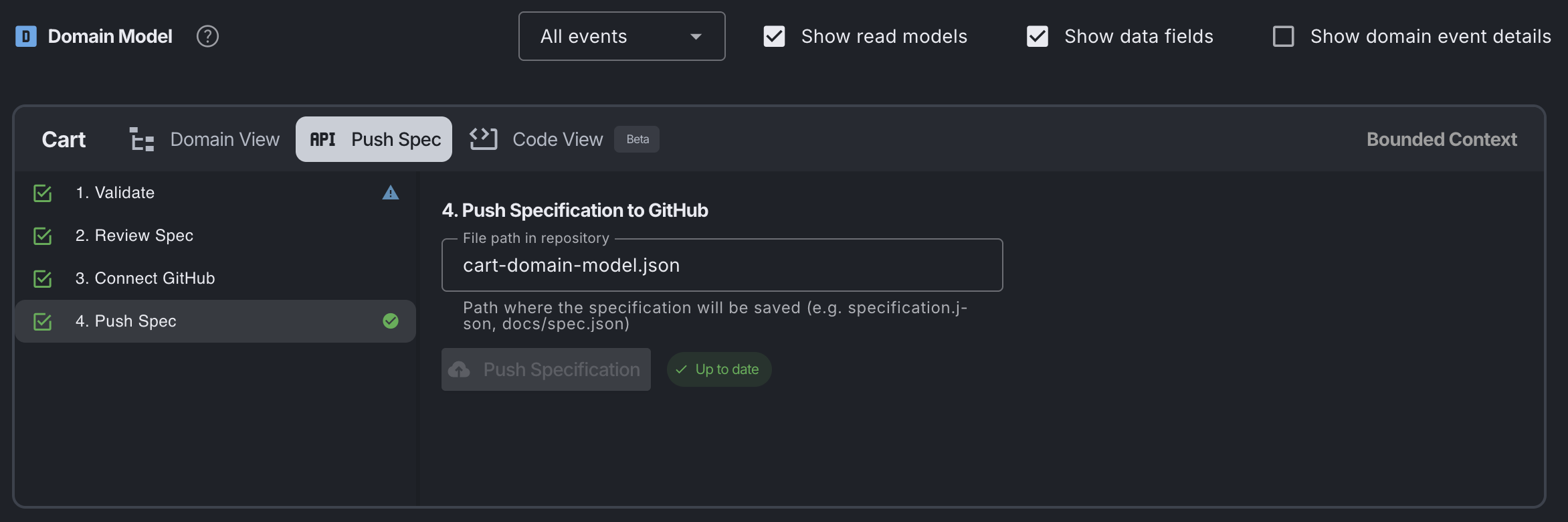
Clone the new repository to a separate location on your local machine. It should only contain one file: cart-domain-model.json
Start Claude in the cloned folder and invoke the /code-generation skill and pick your tech stack.
Above, we pushed the specification file to GitHub, if you forgot that step the /code-generation skill will pull down the specification (as done in the screenshot below).
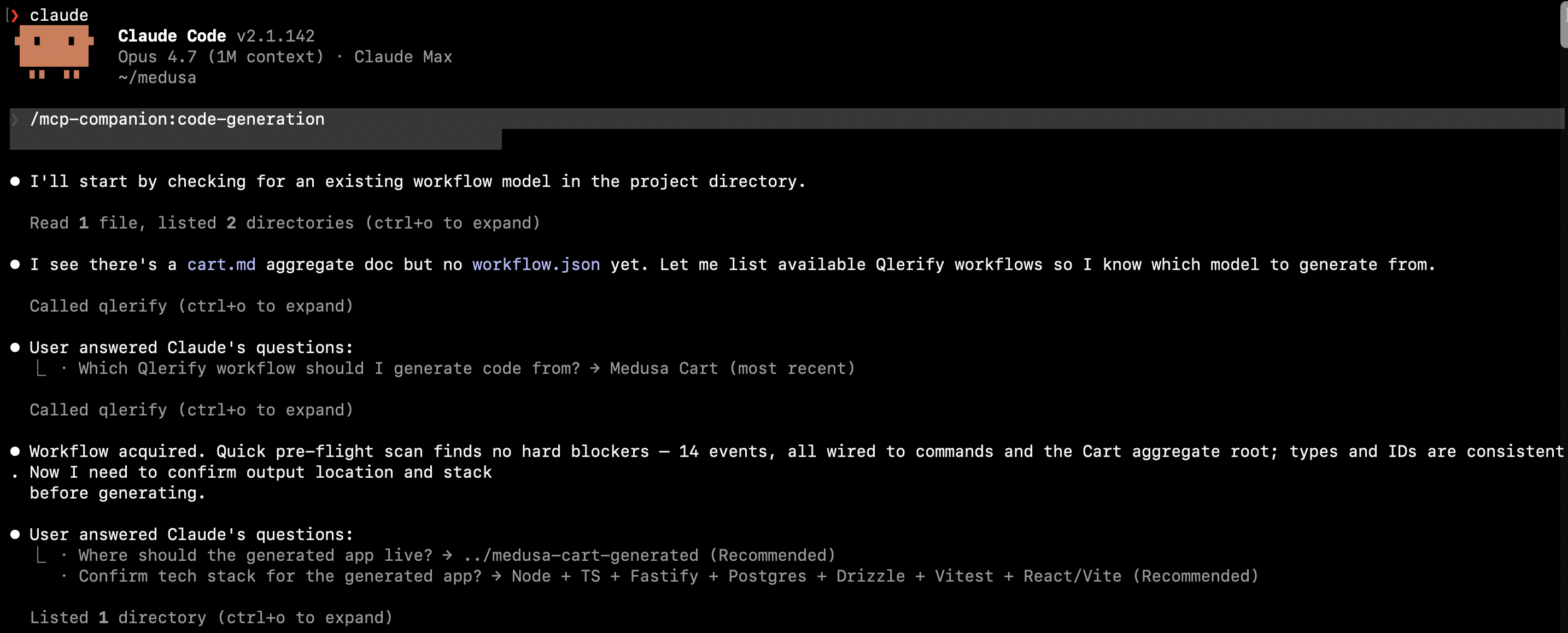
After around 15 minutes, the build is completed. All tests are passing.

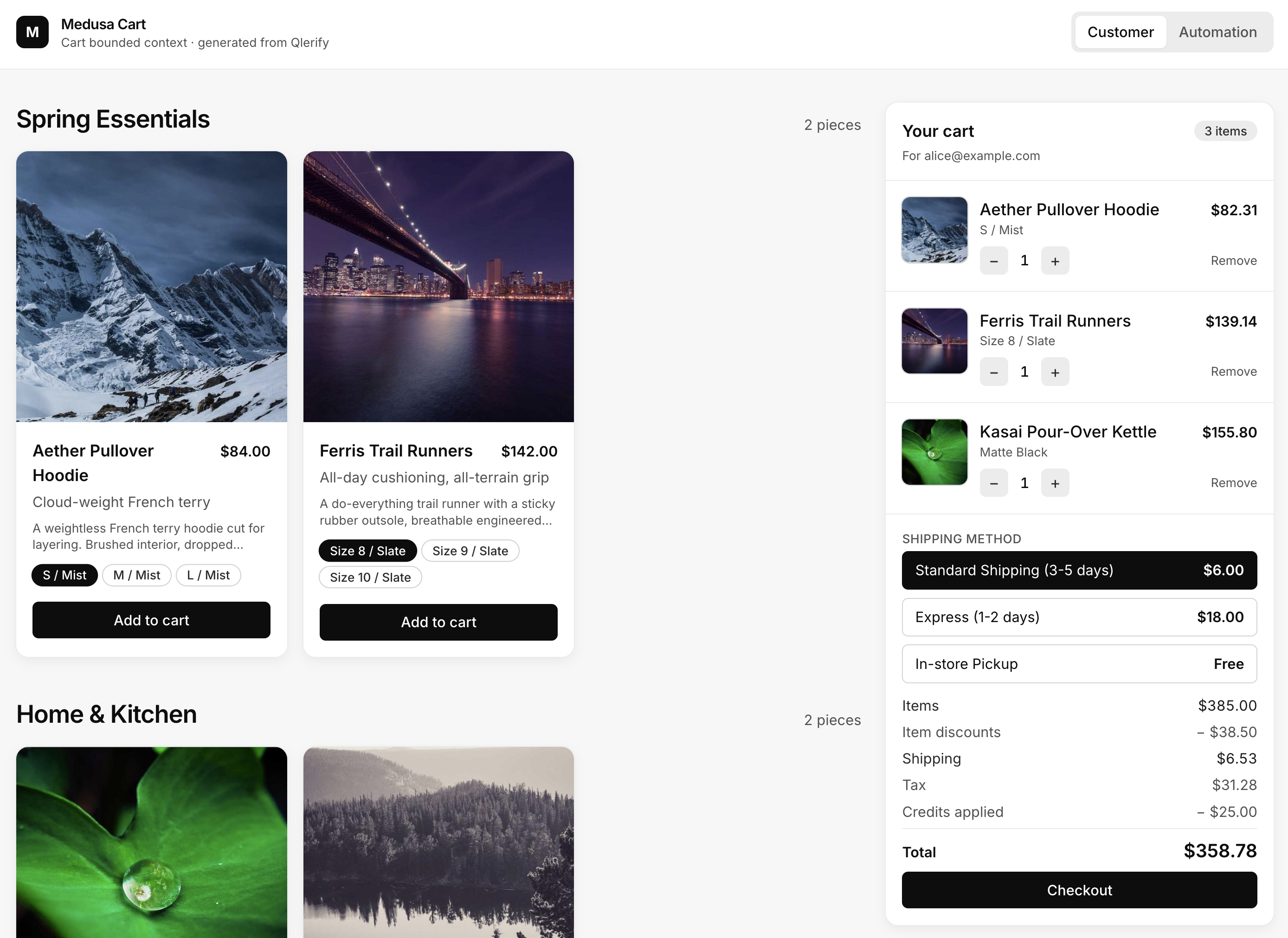
The backend worked right away, indicating that the model is robust. We also have a small frontend for testing.
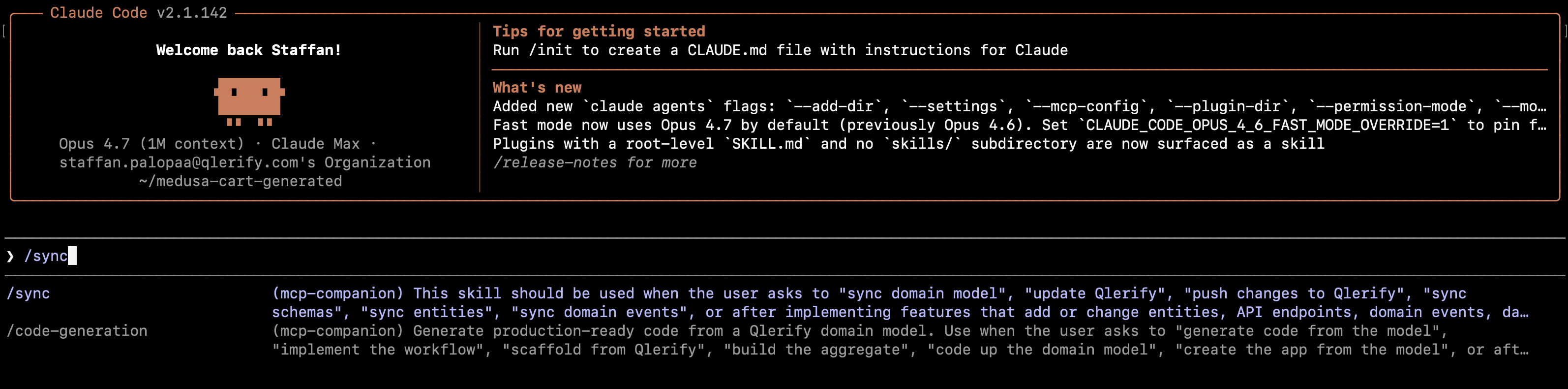
By saving the model file, cart-domain-model.json, in the version control system together with the code, we keep the specification tied to the implementation. Each pull request should include the updated model together with the corresponding code changes. The file cart-domain-model.json is reversible and can be imported back into Qlerify at any time. Use the /sync skill to keep the model and code aligned, regardless of whether the implementation or the model changed first.
We have taken one part of an enterprise-grade commerce platform, extracted its behavior into a structured domain model, validated that model, and reimplemented it in a tech stack of our choice. We stayed in control of every attribute and its behavior, and we now have a practical way to evolve the system.
The cart is just one slice of the e-commerce platform. The same steps can be applied to adjacent parts of the domain, including product catalog, promotions, order management, and payments.
Once the modeling and validation loop is in place, modernization stops being a single high-risk rewrite project and becomes a repeatable way to move functionality from a legacy architecture into a cleaner one.
Quick links to all the resources mentioned in the article: